
Go to documentation repository

Documentation for Axxon PSIM 2.0. Documentation for other versions of Axxon PSIM is available too.
Previous page Next page

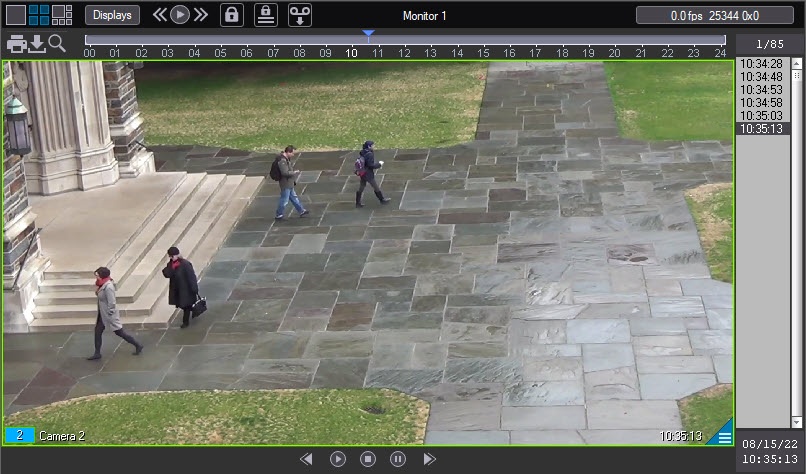
When smart detectors are configured in the system, the detected objects or abandoned objects can be outlined in the video. You must enable the corresponding setting either when configuring the Tracker object or when configuring the corresponding detector (see Creating and configuring the VMDA detection). If the display of the outline is enabled in both settings, then both outlines are displayed.
Note
In order for the outlines to show when the surveillance window of a camera is displayed on a monitor designated for the active camera or alarm cameras (see Configuration of the display mode of camera windows), you must add the corresponding camera to this monitor at the system setup stage (see Selection and configuration of cameras).
Outlines around detected objects or items are present both in live video and during archive playback.
If the smart detectors are configured to generate an alarm on the camera when an object is detected, the alarm indication is standard (see Indication of camera state).
The Search in archive is also available if smart detectors are configured correspondingly.
Note
The settings of the caption display also affect the display of outlines around detected objects or abandoned objects when you view the archive in the video surveillance monitor (see Enable the captions display).
Overview
Content Tools