
Go to documentation repository

Documentation for Axxon PSIM 2.0. Documentation for other versions of Axxon PSIM is available too.
Previous page Next page

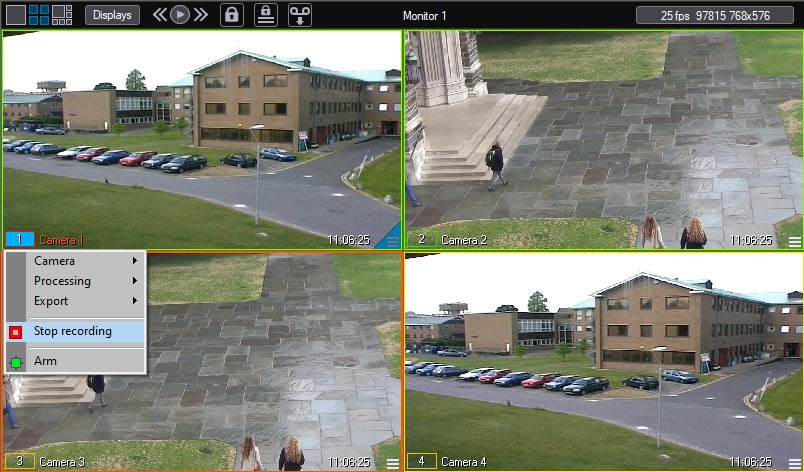
An indicator of video recording is the outline of the camera number in the surveillance window corresponding to this camera.
Color of the outline of camera number | Recording status |
Green or yellow | No video is recorded |
Red | Video is recorded |
The recording status is also displayed in the function menu of the surveillance window corresponding to this camera.
The  icon means that video isn't being recorded at the moment.
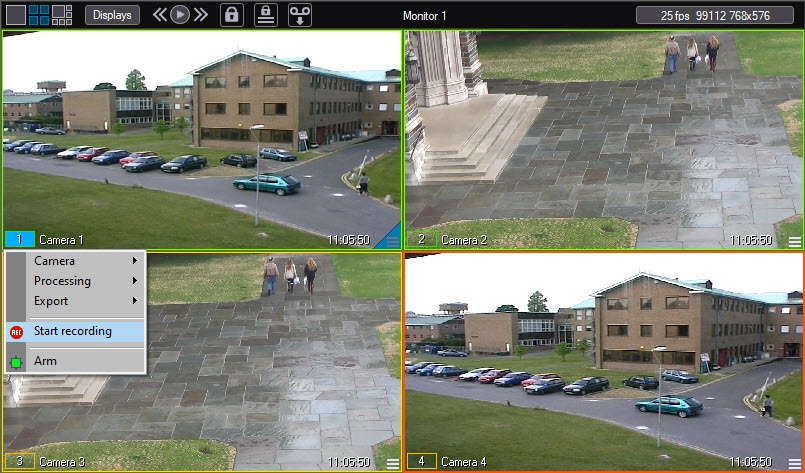
The  icon means that video is being recorded at the moment.
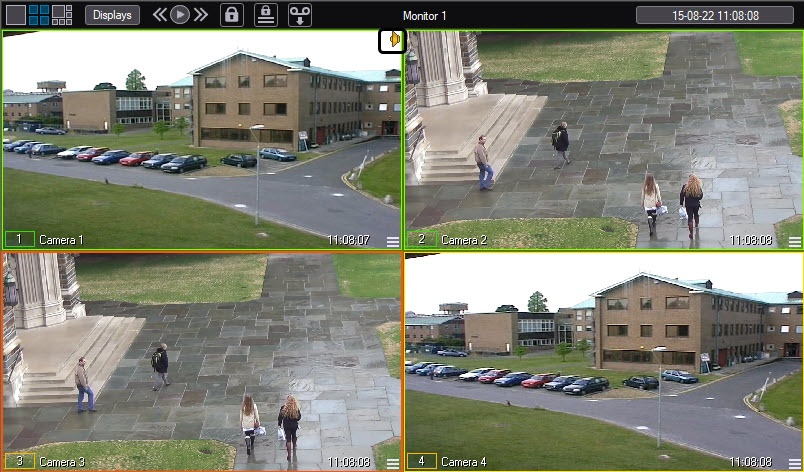
There is an indicator of synchronous audio recording and listening to the audio from the microphone in the upper right corner of the surveillance window.
Overview
Content Tools