
Go to documentation repository

Documentation for Axxon PSIM 2.0. Documentation for other versions of Axxon PSIM is available too.
Previous page Next page

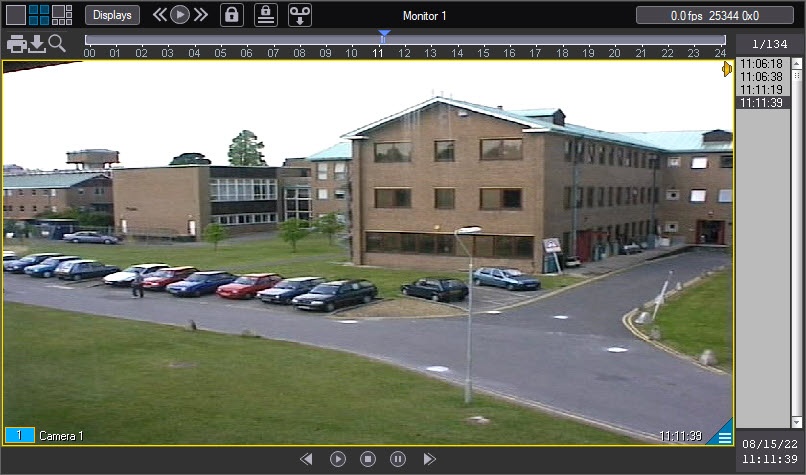
To start the playback of the main server archive, click the  icon in the bottom right corner of the surveillance window.

Note
Where the surveillance window isn't big enough, the icon can be hidden. In this case, enlarge the surveillance window.
The playback control panel is displayed. It contains recordings of the main server archive.
Note
If you selected videogate when adding cameras to the monitor (see Selection and configuration of cameras), then after you complete the steps described above, the videogate archive opens (see Playback of videogate archive).
Overview
Content Tools