
Go to documentation repository

Documentation for Axxon PSIM 2.0. Documentation for other versions of Axxon PSIM is available too.
Previous page Next page

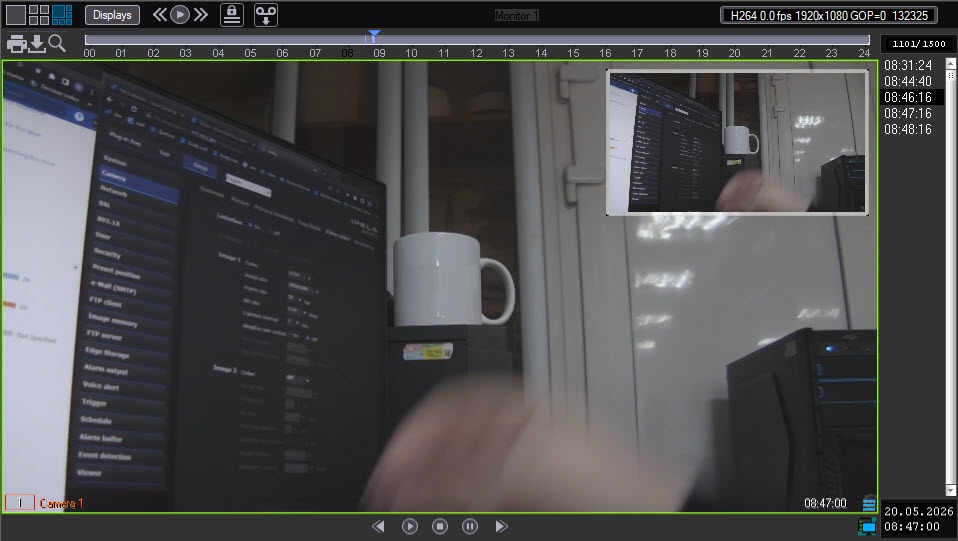
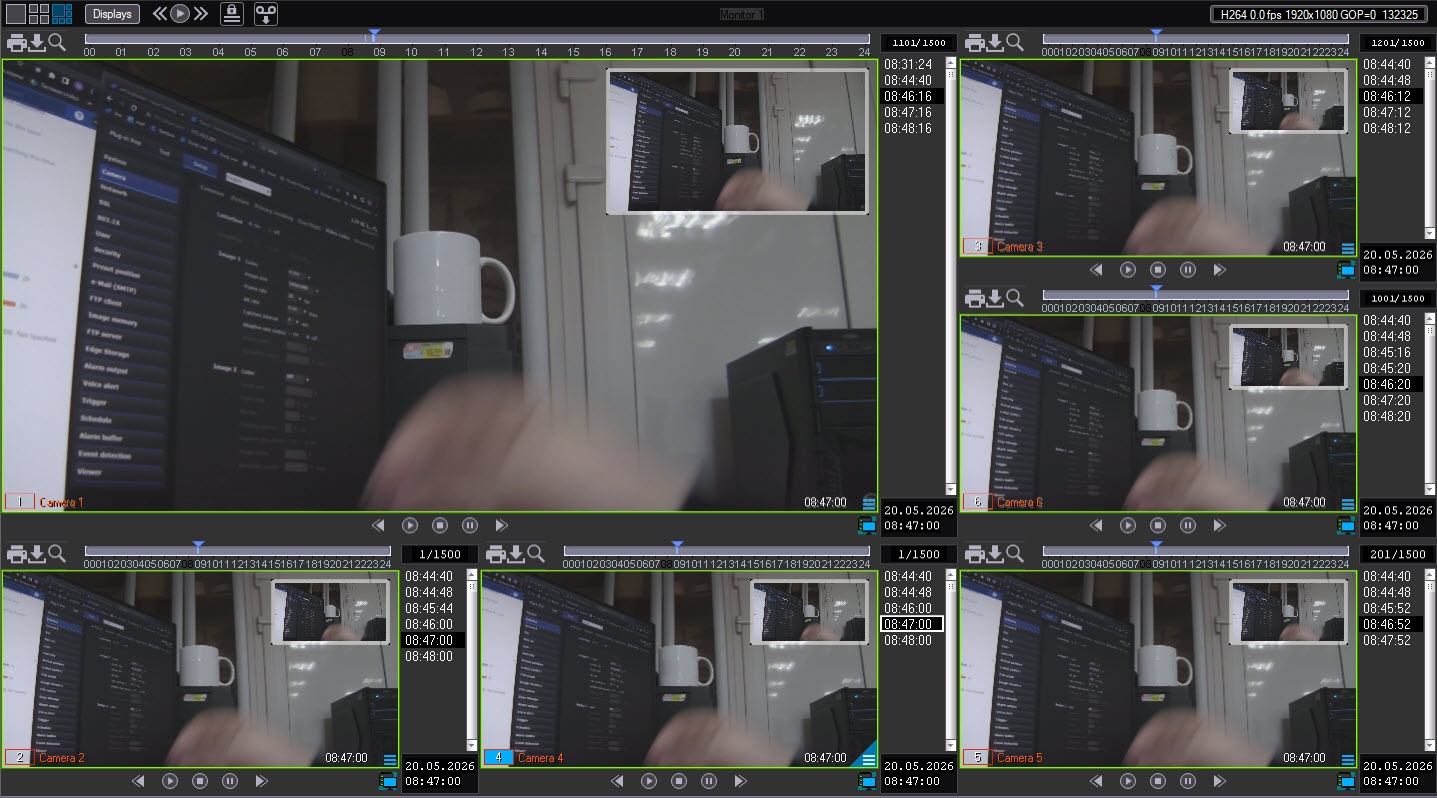
In addition to navigating in the archive using the timeline, you can also navigate through the list of video fragments located in the timestamp column.

To go to the required video fragment, click the corresponding timestamp.
To scroll the list of videos up/down, left-click the list of videos and scroll the mouse wheel. Instead of a mouse, you can use the navigation keys on the keyboard: ↑, ↓, ←, →.
Note
If you then left-click the video image, the mouse wheel will again perform the function of scaling the video image.
When you hover the mouse cursor over a timestamp in the list of videos, the archive preview window is displayed. If you hold down the Ctrl key at this moment, the preview windows of all cameras that have video recordings for that time are displayed. This feature is only available if you select the Opengl display type in the settings of the Monitor object. For details, see Select the display mode.
Overview
Content Tools