
Go to documentation repository

Documentation for Axxon PSIM 2.0. Documentation for other versions of Axxon PSIM is available too.
Previous page Next page

To print out a frame, select Export → Print.
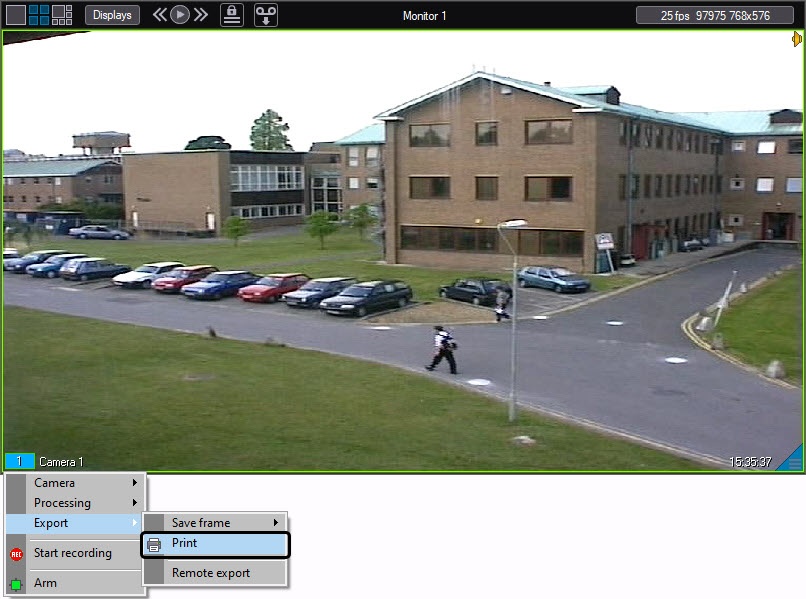
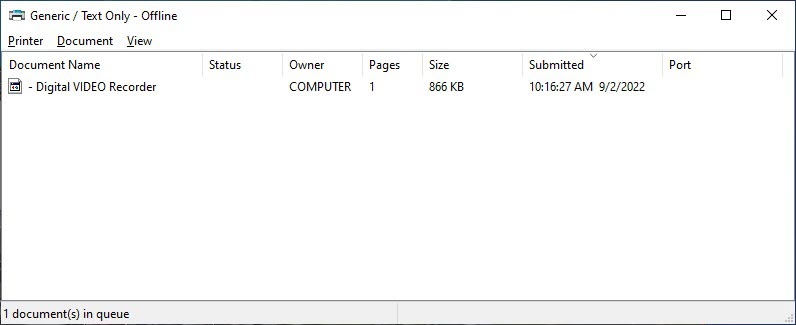
The frame is automatically added to the print queue on the default printer.
Note
The standard printout list of the printer window (OS Windows) does not belong to Axxon PSIM and is not automatically displayed as soon as the print command is sent.
Overview
Content Tools