
Go to documentation repository

Documentation for Axxon PSIM 2.0. Documentation for other versions of Axxon PSIM is available too.
Previous page Next page

There are two lists of cameras in the top part of the AviExport utility window.
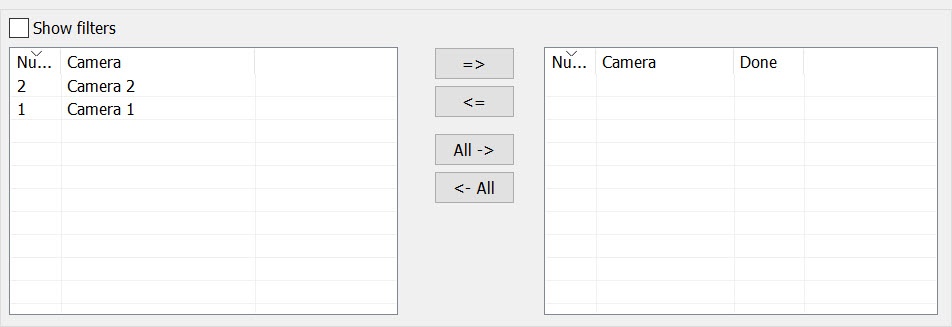
The cameras available to be selected are displayed in the left list. The cameras selected for the archive export are displayed in the right list. Select a camera in the list and use the  or
or  buttons to move the camera from one list to the other.
Use the  button to move all cameras from the left list to the right list. Use the
  button to move all cameras from the right list to the left list.
You can sort the cameras in the lists by name or ID. Left-click the header of the corresponding column to enable sorting.
Also, the search (filtering) by name and/or camera ID is provided to facilitate the navigation in the camera list. Set the Show filters checkbox to perform the search. As a result, the Number and Camera fields are displayed. You can enter search conditions in these fields. The condition that you enter comes into effect automatically, after which the required camera is displayed in the table.

Note
If a camera is selected in the monitor, then when you open the Export window, it is displayed in the list on the right.
Overview
Content Tools