
Go to documentation repository

Documentation for Axxon PSIM 2.0. Documentation for other versions of Axxon PSIM is available too.
Previous page Next page

The feature of creating events using the operator protocol allows generating alarm events manually. You can use this feature, for example, when an event in the frame wasn't registered by detectors, but this event must be recorded to the archive.
When an event created manually is displayed in the archive search results (see Search in the archive of events processed by operator), the Initial event column displays Created by operator.
To create an event, do the following:
Go to the Create event tab of the operator protocol.
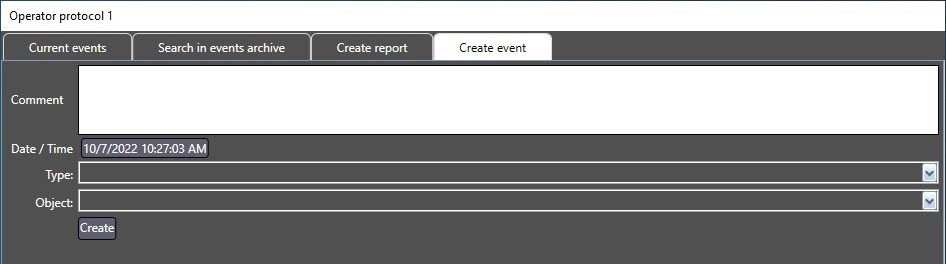
In the Comment field, enter the event description.
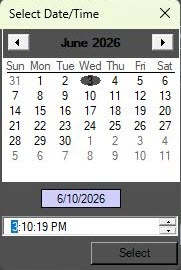
Click the Date/Time button and specify the date and time of the event in the window that opens.
- In the Type drop-down list, select the object type.
- In the Object drop-down list, select the object that allowed to register the event.
Click the Create button.
The event of the Alarm situation type is added to the archive.
Note
In order to view the videos of the event created by the operator, you must start the recording on the required camera manually (see Recording on operator command).
The event is now created.
Overview
Content Tools