
Go to documentation repository

Documentation for Axxon PSIM 2.0. Documentation for other versions of Axxon PSIM is available too.
Previous page Next page

To remove Axxon PSIM installed as a Service, do the following:
- Open the folder containing the unpacked installation kit.
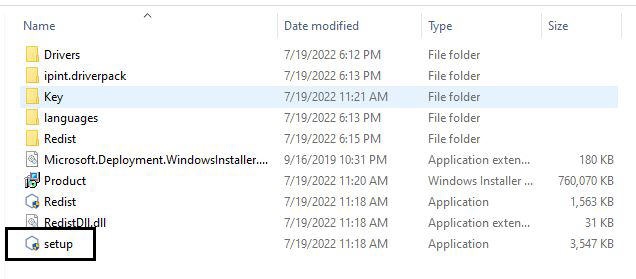
- Run the setup.exe file.
The window for selecting the type of action opens.
If Axxon PSIM is running, it automatically logs off.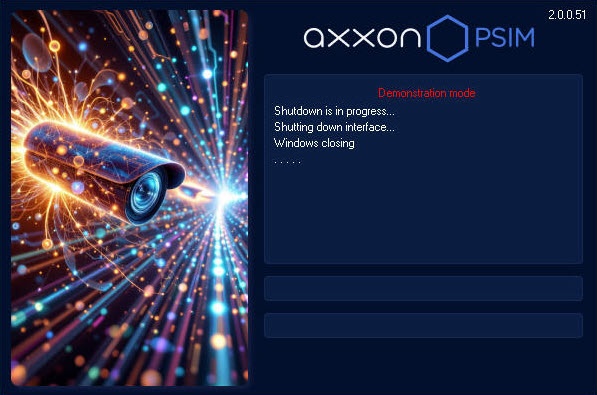
- Follow steps 2-5 of the manual in Removal of Axxon PSIM from the Start menu.
Removal of Axxon PSIM installed as a Service is complete.
Overview
Content Tools