
Go to documentation repository

Documentation for Axxon PSIM 2.0. Documentation for other versions of Axxon PSIM is available too.
Previous page Next page

You can start the fps.exe utility in one of the following ways:
- From the Windows OS Start menu: Start -> Axxon PSIM -> FPS test.
The fps.exe utility is available from the Start menu with the following Axxon PSIM installation types: Server, Remote administrator workstation, Remote client. - From the Tools64 folder of the Axxon PSIM installation directory: <Axxon PSIM installation directory>\Tools64\fps.exe.
After you start the fps.exe utility, the FPS performance test window is displayed on the screen.
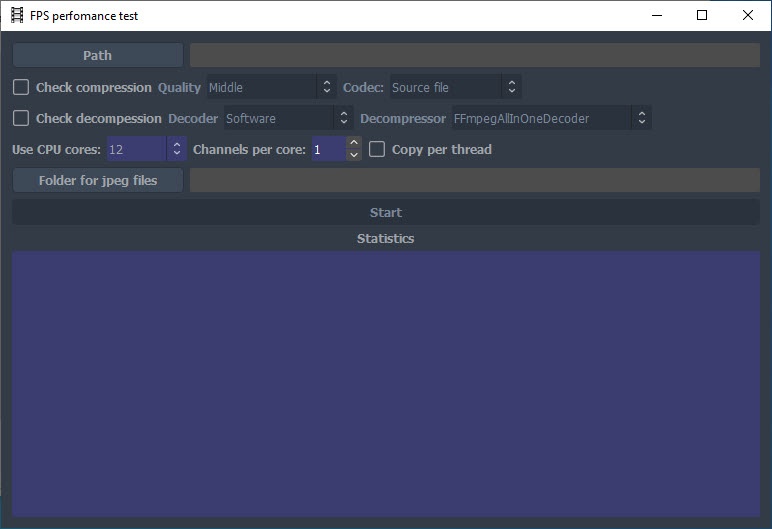
To shut down the fps.exe utility, click  in the upper right corner of the utility’s dialog window.
Overview
Content Tools