
Go to documentation repository

Documentation for Axxon PSIM 2.0. Documentation for other versions of Axxon PSIM is available too.
Previous page Next page

The ArpEdit utility workspace is designed to place the ArpEdit objects. When the Show sections  button is activated, the workspace is divided into sections by horizontal lines.
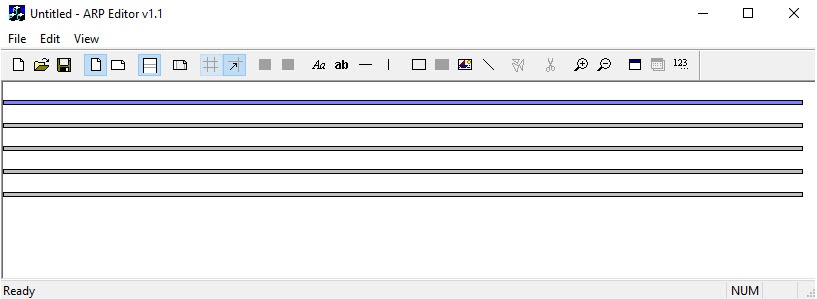
Each section is a page. To start editing a section, select it by left-clicking the dividing line. The selected section is highlighted in blue.
Overview
Content Tools