
Go to documentation repository


The Texecom area is managed in the Map interactive window using the Texecom area functional menu.
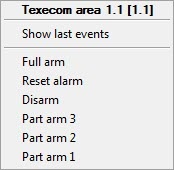
The commands for managing the Texecom area are described in the table:
Command | Function |
|---|---|
| Full arm | Arm the entire area |
| Reset alarm | Reset the alarm |
| Disarm | Disarm the area |
Part arm 3 | Arm the part 3 of the area |
| Part arm 2 | Arm the part 2 of the area |
| Part arm 1 | Arm the part 1 of the area |
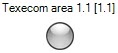
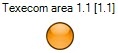
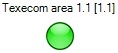
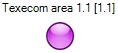
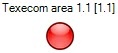
The Texecom area can have the following states:
| Disarmed |
| Exit |
| Entry |
| Armed |
| Part armed |
| Alarm |
Overview
Content Tools