
Go to documentation repository


The Texecom zone is managed in the Map interactive window using the Texecom zone functional menu.
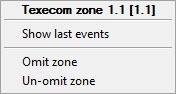
The commands for managing the Texecom zone are described in the table:
Command | Function |
|---|---|
| Omit zone | Skip the zone (make the zone inactive) |
| Un-omit zone | Restore zone (make the zone active) |
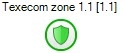
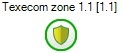
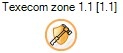
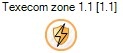
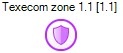
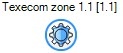
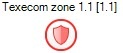
The Texecom zone can have the following states:
| Secure |
| Active |
| Tampered |
| Short |
| Zone in fault |
| Failed test |
| Alarmed |
| Manual bypassed |
| Auto bypassed |
| Zone masked |

Overview
Content Tools