Unable to render embedded object: File (books.jpg) not found.
Go to documentation repository
Documentation for Axxon Next 3.1.1. Documentation for other versions of Axxon Next is [available too].

To distribute the license file to the system, follow these steps:
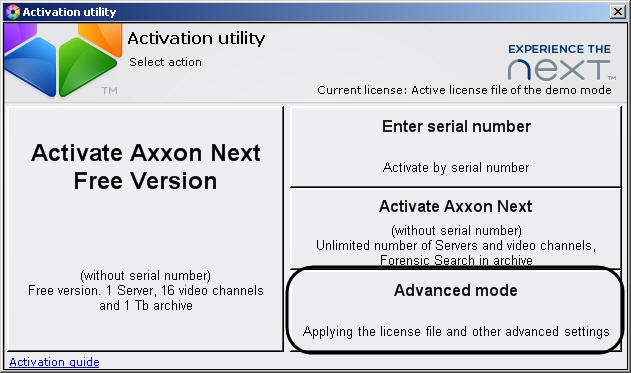
- On the license utility home screen, click Advanced mode.
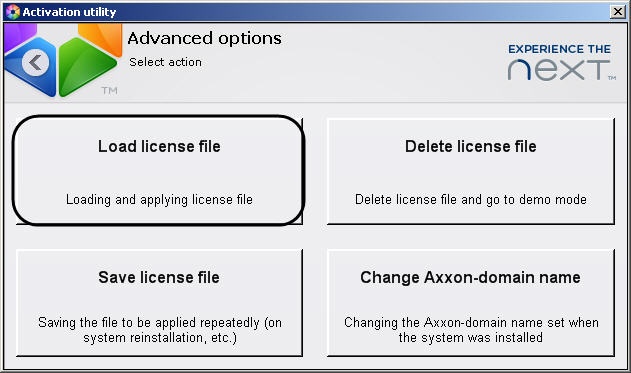
- Click Load license file.
- Download the license file in the following ways:
- Drag the license file to the selected area (1).
- Click Browse… and select the license file (2).
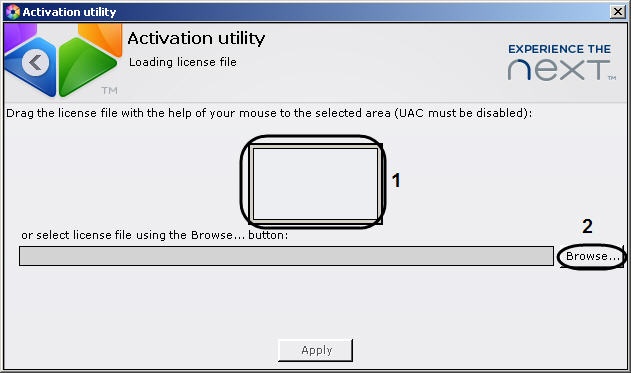
- Click Apply.
The license file will be downloaded into the system.
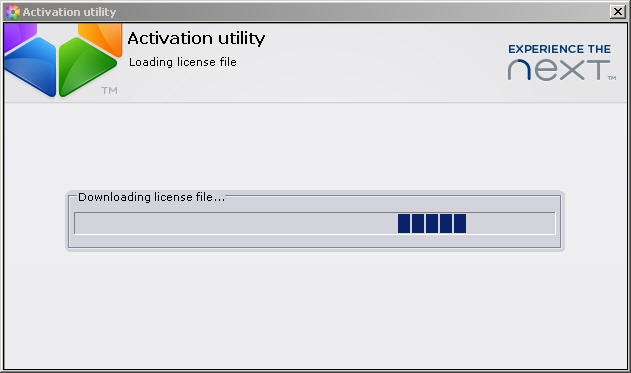
Upon successful completion of the process a message will appear.
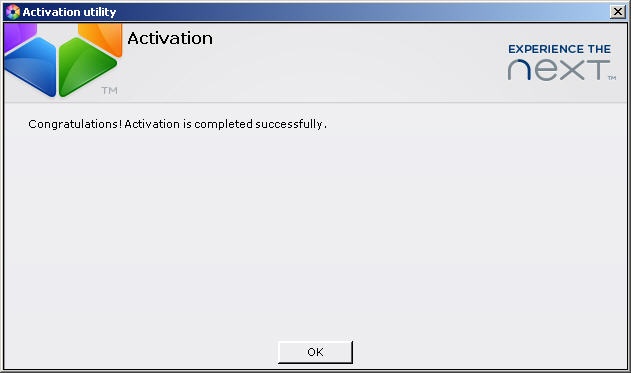
To return to the license utility home screen, click OK. To exit from the utility, click  .
.
The distribution of the license file in the system is complete.
Overview
Content Tools