
Go to documentation repository

Documentation for Axxon Next 4.6.0. Documentation for other versions of Axxon Next is available too.
Previous page Next page

To add a tag to a video camera, do one of the following actions:
- Click the star
 in the top left corner of the camera window;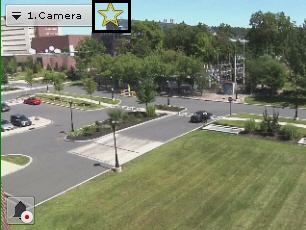
- Click the star in Camera Search Panel (see Camera Search Panel);
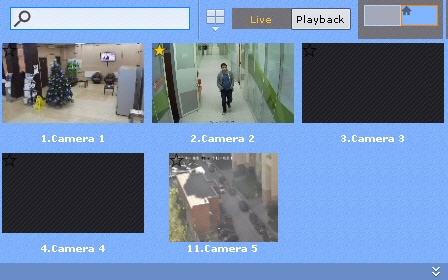
- Click the star in Object Panel (see Objects Panel);
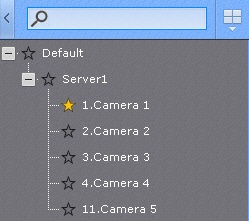
Attention!
You can add tags to cameras on any video wall (see Managing monitors on a local Client)
If you exceed the maximum number of cameras allowed, only the cameras most recently selected remain on the layout.
Note
To remove the tag, click the star again  .
.
You can move cameras around on layouts by drag-and-drop.
Attention!
Camera windows are not saved on the layout. After restarting the client or server, you should add them again.
Note
You can use Duplicate layout to create a copy of the current special layout.
Overview
Content Tools