
Go to documentation repository
Documentation for Axxon One 2.0 version. Documentation for Axxon One 3.0 version is also available.

Axxon One automatically adds PTZ tours created in the camera web interface.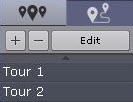
To add a new tour, do the following:
- Click the
 button.
 - Enter a name of the new tour, and click the Ok button.
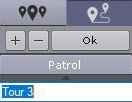
- Select the first preset of the tour (1).
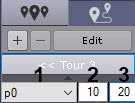
- Enter the time in seconds during which the camera angle of view corresponds to the selected preset (2).
Specify the speed of transition to this preset in standard units from 1 to 100 (3).
Attention!
This parameter is reserved for future Axxon One versions.
- Click the Ok button.
- Add other presets to the tour in the same way.
- Click
 to return to the PTZ tours list.
To edit a tour, select it in the list and click Edit.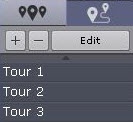
To delete a tour, select it and click  .
.
Overview
Content Tools