
Go to documentation repository
Documentation for Axxon One 2.0 version. Documentation for Axxon One 3.0 version is also available.

System variables store the data about several directories of the operating system and computer. To create them, do the following:
- Go to Control panel → System → Advanced system settings.
- Click the Environment Variables... button.
- Under System variables group, click the New... button.
- Specify the name and value of variable.
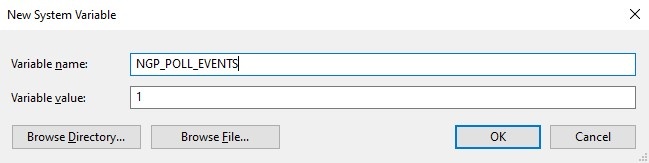
- Click the OK button.
Overview
Content Tools