Go to documentation repository
Contact technical support
Previous page Next page
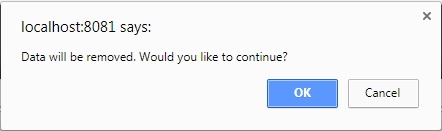
To remove a role:
Role removal is complete.

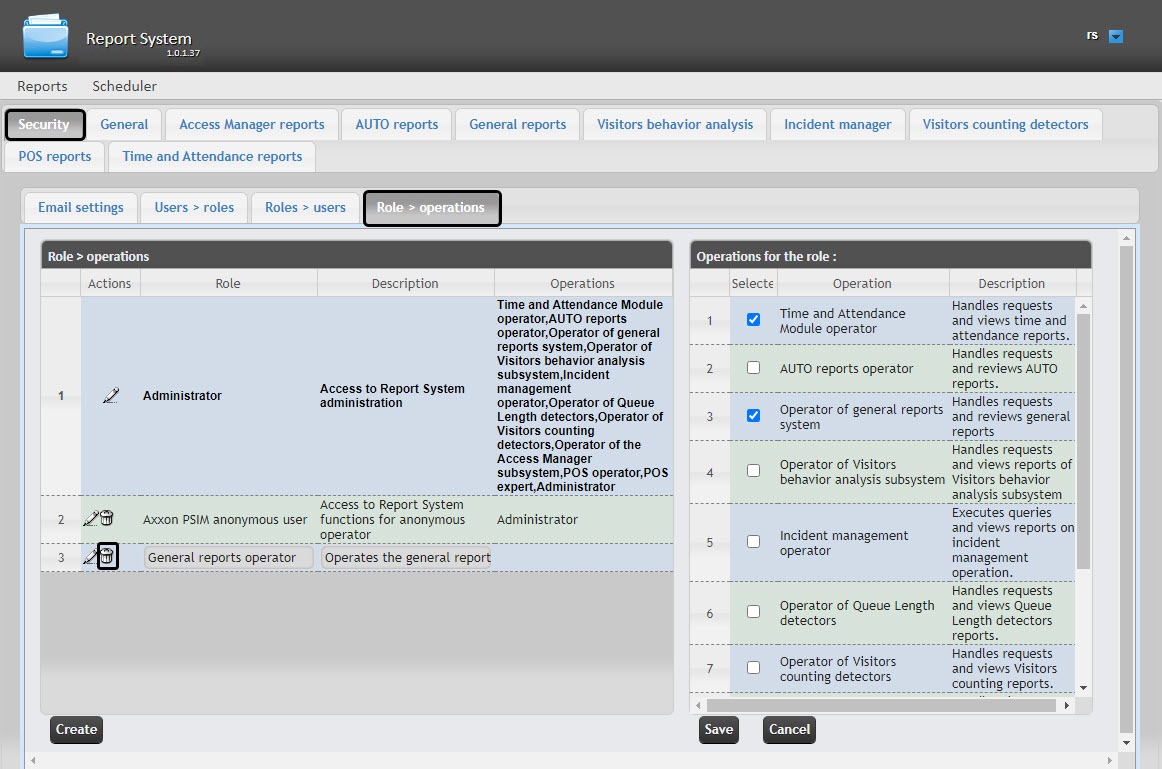
 button next to the role that you want to remove.