
Go to documentation repository
Previous page Next page
To add users to a role:
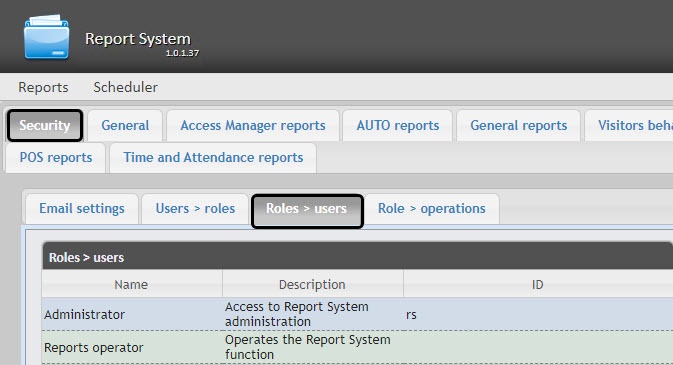

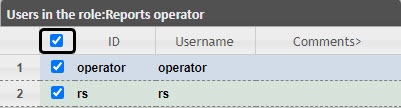
Change the list of users added to the role by setting or clearing the corresponding checkboxes (2).
Note.
To add all possible users to the role, set the checkbox in the table head next to the ID field.
Adding users to a role is complete.

