
Go to documentation repository
Previous page Next page
To work with data from the POS terminal by event, the following operations are possible:
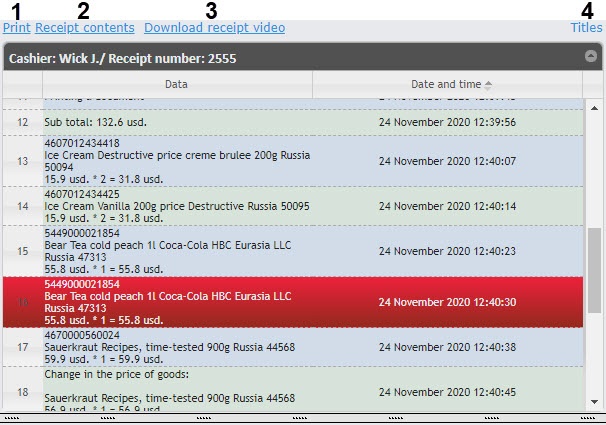
Print (1)—opens a window for printing a receipt with all data from the POS terminal, including the image from a camera.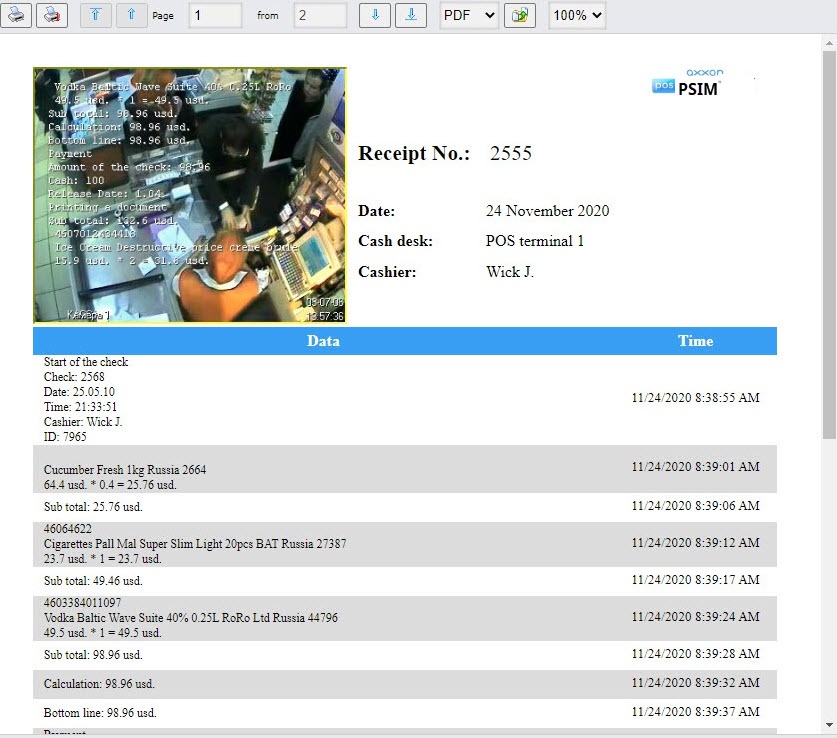
Receipt contents (2)—opens a window for printing only the list of items in the receipt.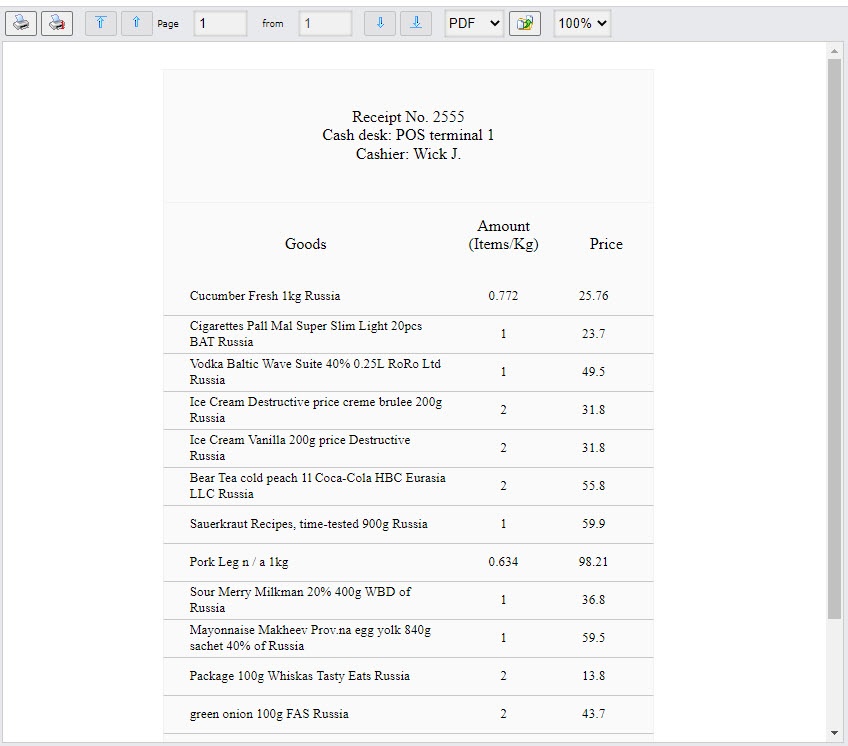
Download receipt video (3)—saves a segment of a video with a receipt from the archive to a file. The video file has the following name: id<receipt>_<cashier>_<POS terminal id>_<receipt beginning time>_<receipt end time>.avi.
Note
The video file is exported to the <C:\Users\<user name>\Documents\Export> folder.
Titles (4)—enables or disables the display of captions on the video of the receipt when it is saved using the Download receipt video link.

