Go to documentation repository
Previous page Next page
Customize the columns as follows:
 button next to the name of some columns.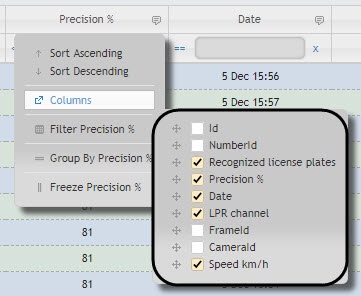
In the Columns submenu, select the necessary columns that will be displayed in the created report.
Note
You can also set the order of the columns by moving the column names higher or lower in the list.
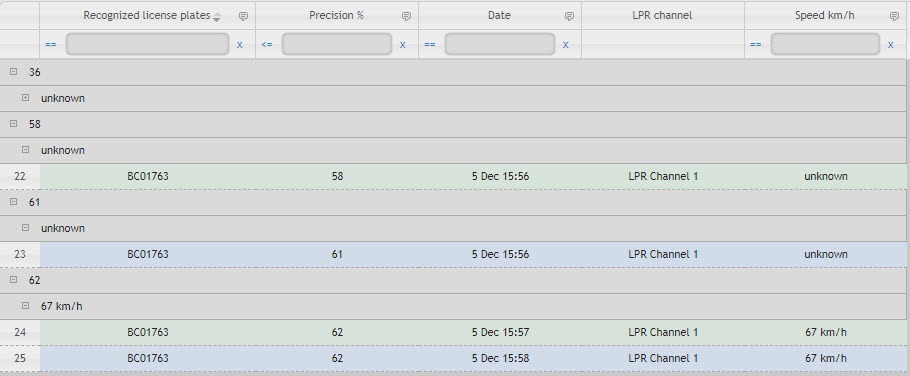
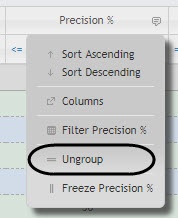
Group the columns as follows:
button next to the name of some columns.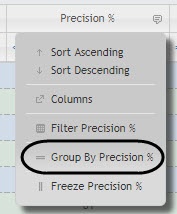
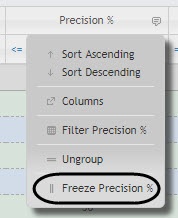
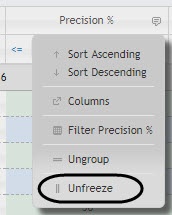
Freeze the columns as follows:
button next to the name of some columns.