
Go to documentation repository
Previous page Next page
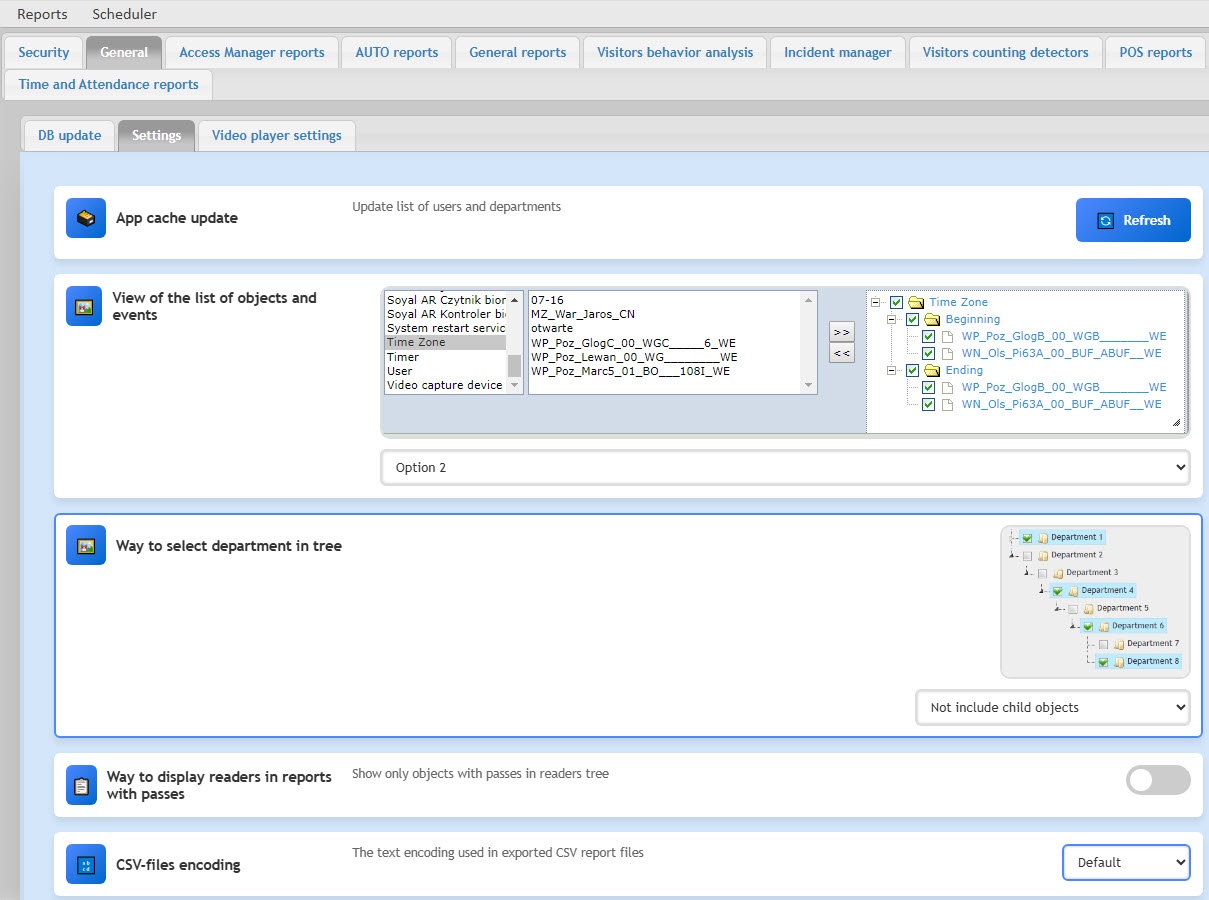
You can configure the general report settings of the WEB Report System PSIM on the General tab → Settings on the administration page.
Note
The Way to display readers in reports with passes setting is used to create the following reports: Report by employee passes and Report by employee passes with photo.
Note
The CSV files encoding setting is used to create the following reports: Report by employee passes, Recognized number plates report, Report of current objects state, Protocol report, Change protocol report, Face recognition report. When you export other reports, the encoding specified in the system's regional settings is used.
General report settings are complete.

