
Go to documentation repository

Documentation for Axxon Next 4.5.0. Documentation for other versions of Axxon Next is available too.
Previous page Next page

By default, fisheye camera video viewing mode setting is taken from device settings (see Konfigurowanie kamer fisheye), or from layout settings (see Wyznaczanie domyślnych ustawień podglądów kamer).
To change the viewing mode, do the following:
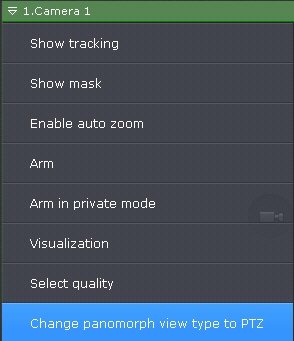
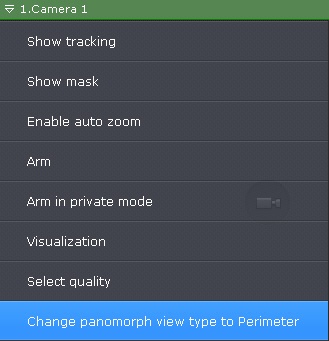
- Open the camera's context menu.
- Select Change panomorph view type to PTZ or Change panomorph view type to Perimeter.
Note
This setting is not preserved if you switch to another layout.
Overview
Content Tools