
Go to documentation repository
Documentation for Axxon One 3.0/3.1 version. Documentation for Axxon One 2.0 version is also available.

Manual grouping of cameras is designed to configure group access rights and quickly select the required camera for display. Configuration of camera groups is available to users with the appropriate access level settings (see Role).
To configure camera groups, go to Settings → the Devices tab → the Groups tab.
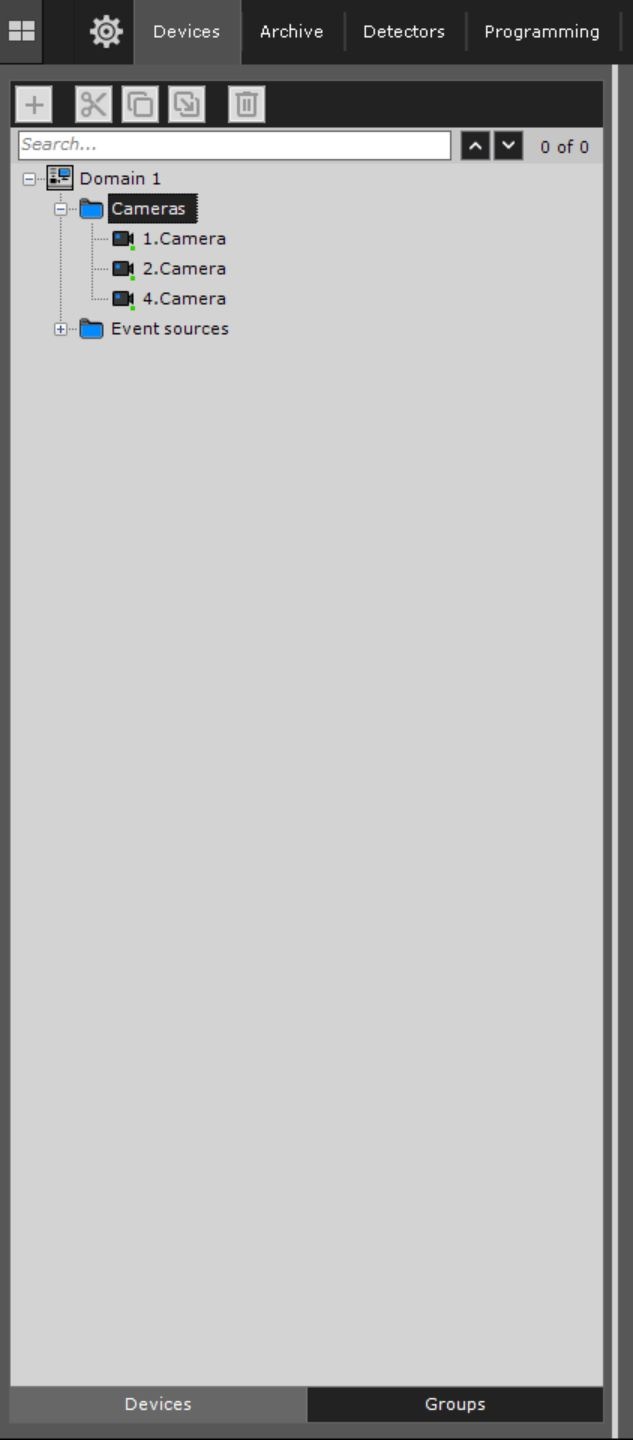
Procedure for configuring camera groups
Camera groups are configured in the following sequence:
Overview
Content Tools