
Go to documentation repository
Documentation for Axxon One 3.0/3.1 version. Documentation for Axxon One 2.0 version is also available.

Attention!
Starting with DetectorPack 3.13, the People masking is no longer supported. We replaced it with the Track masking.
To create the People masking, do the following:
- Create the Human pose detector (see Configuring the Human pose detector).
- Below the Human pose detector, click Create… → People masking.
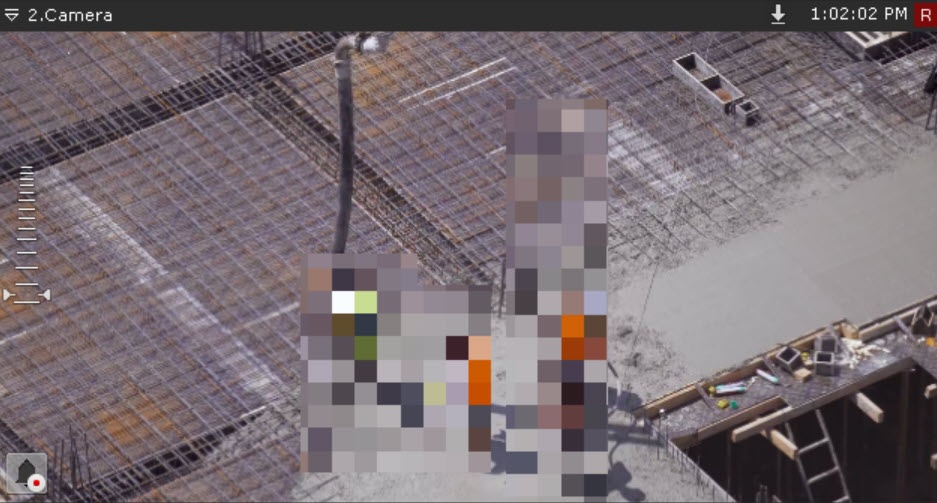
People masking doesn't generate events. It uses the metadata from the Human pose detector to mask people on the video image:
- on live video;
- in the archive;
- when exporting from the archive.
Attention!
People masking works only for those users who have the View masked video parameter disabled in the role settings (see Role).
If necessary, you can change the detector parameters. The list of parameters is given in the table:
| Parameter | Value | Description |
|---|---|---|
| Object features | ||
| Record mask to archive | Yes | Mask is recorded to the archive by default. To disable the parameter, select the No value |
| No | ||
| Other | ||
| Enable | Yes | The detector is enabled by default. To disable the detector, select the No value |
| No | ||
| Name | People masking | Enter the detector name or leave the default name |
| Type | People masking | Name of the detector type (non-editable field) |
To save the parameters of the detector, click the Apply  button. To cancel the changes, click the Cancel
  button.
Configuration of the People masking is complete.
Overview
Content Tools