
Go to documentation repository
Documentation for Axxon One 3.0/3.1 version. Documentation for Axxon One 2.0 version is also available.

To go to the TimeCompressor mode, do the following:
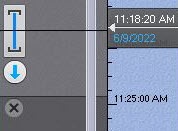
You can specify the time span for viewing the archive in the TimeCompressor mode on the timeline in one of the following ways:
Set the pointer to the position from which (and to the end) the archive will be viewed (see Navigating using the Timeline).
Right-click to select the time span.
Note
The TimeCompressor mode allows you to view the results of a specific archive search (see Working with search results).
Click the
 button on the advanced archive navigation panel.
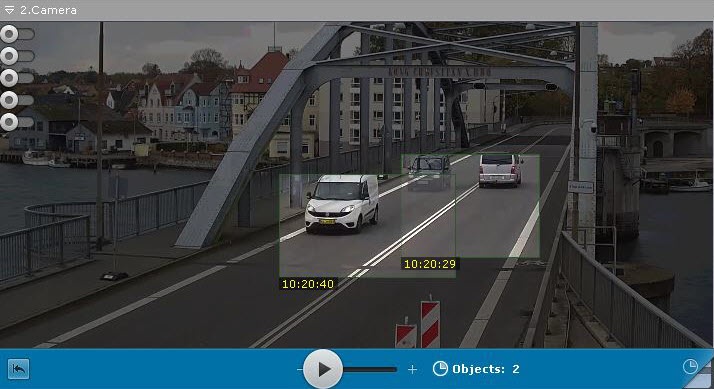
The archive is played back in the compressed mode.
Note
- Only one camera can be in the TimeCompressor mode at a time. If synchronized archive playback is started and one camera is switched to the TimeCompressor mode, playback of all other cameras is automatically paused.
- To go back to the standard archive viewing mode, click the displayed area of the advanced archive navigation panel
 .
.
Overview
Content Tools