
Go to documentation repository
Documentation for Axxon One 3.0 version. Documentation for Axxon One 2.0 version is also available.

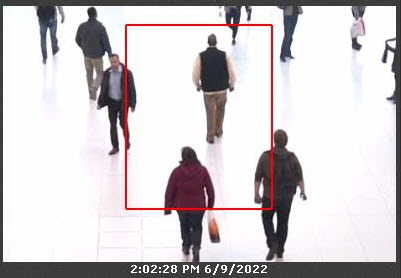
You can zoom in on the following objects in found moments:
- an object that initiated an event from a detector (when searching for an event);
- a track (when searching in archive);
- selected area when entering a comment (when searching for a comment).
To do this, click the  button below the search results.
Attention!
Zooming in occurs only in the following cases:
- If the height and width of the visual element specified in the settings of the Search in archive are less than 1/3 of the frame.
- If the tracked object occupies less than 1/3 of the frame (for detector search).
- If the object selected when entering a comment occupies less than 1/3 of the frame (for comments search).
In all other cases, the found moments are displayed entirely.
To disable zoom, click the  button again.
Overview
Content Tools