
Go to documentation repository
Documentation for Axxon One 3.0/3.1 version. Documentation for Axxon One 2.0 version is also available.

Bookmarks search allows you to find all bookmarks in the archive or filter them out by the comment text of the bookmark. To use it, do the following:
Open the required layout (see Configuration of layouts).
- Select the required camera.
- Click the Search button located in the lower right corner of the surveillance window (see Search in archive).
- Set the search interval (see Setting a search interval).
- Click the
 button.
 - Select Bookmarks search.
- Set the parameters specified in the table:
Criterion Value Description Bookmarks search Enter text: Enter the bookmark comment fully or partially. To display all bookmarks with comments, enter the * value - Click the Search
 button. The search process by the specified criterion starts.
Note
You can stop the search process at any time. To do this, you must click the Stop  button, which replaces the button that starts the search process.
The search results panel displays the bookmarks that contain text from the search request.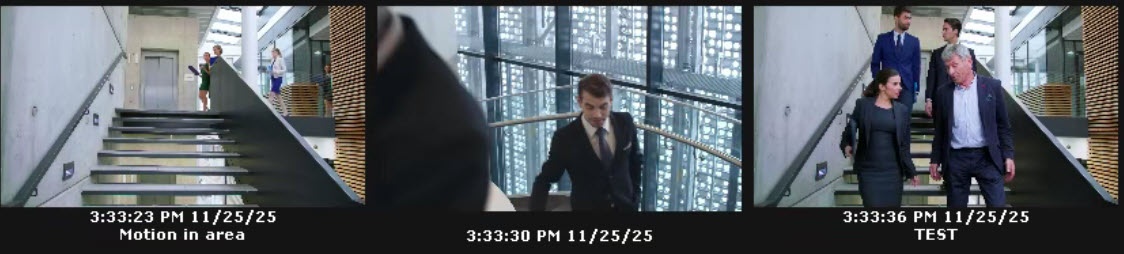
Overview
Content Tools