
Go to documentation repository

Documentation for Axxon PSIM 2.0. Documentation for other versions of Axxon PSIM is available too.
Previous page Next page

The debug window displays the sequence of events and reactions in the system.
The debug window is described in the figure.
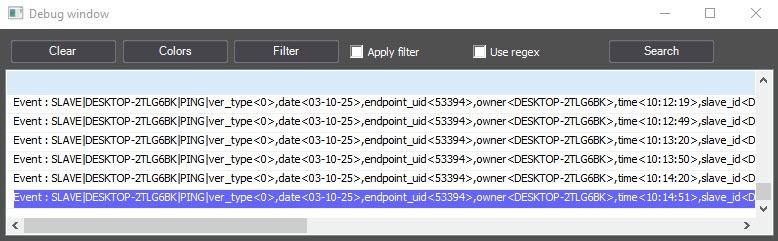
The debug window has the following features:
- Placed on top of other windows;
- To change the size of the debug window, use the mouse;
- You can copy the information on event or reaction to the Windows clipboard and then use it in programs;
- You can filter events and reactions displayed in the debug window;
- You can highlight events and reactions displayed in the debug window;
- You can search for events or reactions in the debug window.
You can use regular expressions to highlight and filter messages in the debug window.
Overview
Content Tools